Here you have all the launch models and their starting prices.
| Acer Googlebook 14 (from $899) | |
|---|---|
| UPC | Intel Core Ultra 5/7 (Panther Lake) |
| Memory | 16GB | 256GB+ |
| Show | 14-inch 2.8k OLED touchscreen, 500 nits |
| Measures | 13.9 mm, 2.7 lb (1.22 kg) |
| Design | Aluminum and Magnesium Chassis |
| Biometrics | Fingerprint sensor |
Acer Googlebook 14
Credit: Acer
Acer Googlebook 14
Credit: Acer
| Dell XPS Googlebook (from $999) | |
|---|---|
| UPC | Qualcomm Snapdragon X Elite |
| Memory | 16-32GB | 512GB+ |
| Show | 13.4-inch 2.5k IPS touchscreen, 500 nits |
| Measures | 12.5 mm, 2.5 lb (1.13 kg) |
| Design | Machined aluminum chassis, haptic touch panel |
| Biometrics | Fingerprint sensor |
Dell XPS Google Book
Credit: Dell
Dell XPS Google Book
Credit: Dell
| HP Googlebook 14 (from $1299) | |
|---|---|
| UPC | Qualcomm Snapdragon X Elite |
| Memory | 16-32GB | 256GB+ |
| Show | 14-inch 2.8k OLED touchscreen, 500 nits |
| Measures | 14 mm, 2.7 lb (1.22 kg) |
| Design | All aluminum construction, haptic touch panel |
| Biometrics | Fingerprint sensor |
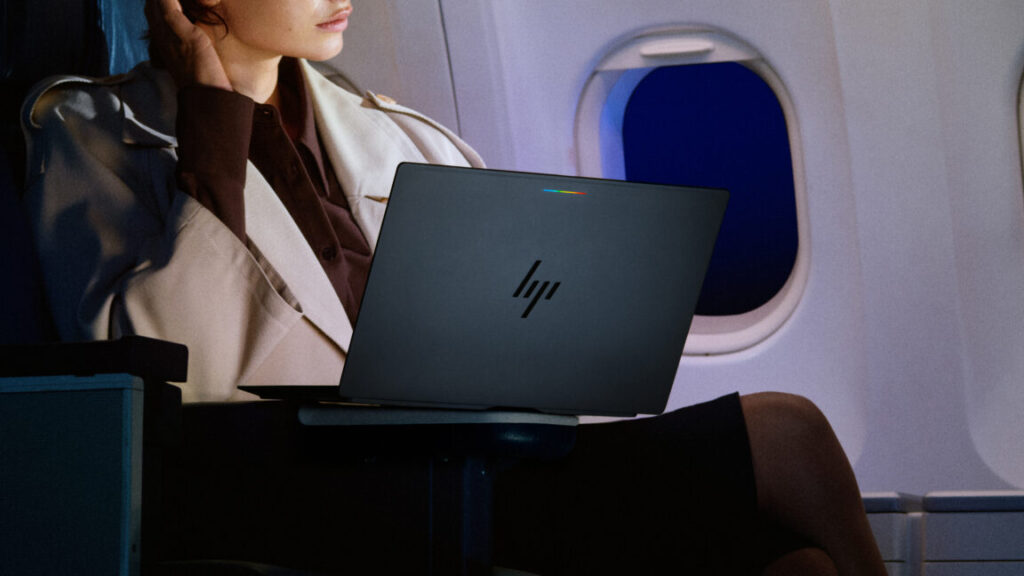
HP Googlebook 14
Credit: HP
HP Googlebook 14
Credit: HP
| Lenovo Googlebook 15 (from $1299) | |
|---|---|
| UPC | Intel Core Ultra 5 (Panther Lake) |
| Memory | 16GB | 256GB+ |
| Show | 15.3-inch 2.8k OLED touchscreen |
| Measures | 15.95 mm, 2.68 lb (1.22 kg) |
| Design | Magnesium alloy and carbon fiber chassis, haptic touch panel |
| Biometrics | Face authentication and fingerprint sensor |
Lenovo Googlebook 15
Credit: Lenovo
Lenovo Googlebook 15
Credit: Lenovo
| Asus Googlebook 14 (from $1299) | |
|---|---|
| UPC | Intel Core Ultra 5/7 (Panther Lake) |
| Memory | 16-32GB | 256GB+ |
| Show | 14-inch 3k OLED touchscreen, 500 nits |
| Measures | 14.0 mm, 2.2 lb (1.0 kg) |
| Design | Aluminum and magnesium chassis, haptic touch panel. |
| Biometrics | Fingerprint sensor |
Asus Googlebook 14
Credit: Asus
Asus Googlebook 14
Credit: Asus
The Acer model is the cheapest and is also the only convertible in the range. The price jump from that device to the next cheapest (the Dell XPS) is $100 (but it lacks an OLED display), and the rest of the launch laptops are $300 more than that.
Google partners released a few Chromebooks in this price range, but they didn’t see widespread adoption.
The apps you know but bigger
A large part of Chrome’s failure to truly compete with macOS and Windows is due to the availability of the software. Google tried several ways to introduce local apps to its web platform, but never succeeded. The advantage of starting from scratch, according to Google, is that these new laptops share the same software stack as Android phones. That means you can run Android apps natively without all the VM weirdness of ChromeOS, and there are plenty of them.
Google is aware of the sordid history of running phone apps on desktop computers. It’s often a cumbersome experience using a phone app designed for tapping on a big screen with a keyboard and mouse, but the company says you’ll be surprised how many apps on the Play Store are now optimized for laptops. The Play Store client will display apps and games that have been optimized for larger screens, and Google says more apps for laptops are constantly being updated. There will also be a “desktop” version of the Chrome browser preinstalled on Googlebooks.
Even if they are optimized, they will still be applications designed and used primarily on smartphones. It’s unclear whether they’ll offer the kind of power people expect from a $1,300 laptop. As for gaming, Google notes that its Level Up program offers more experiences suitable for a keyboard and mouse, but the selection of desktop-ready games won’t be anything like what you get on Windows or macOS.